Gantt
Plan dates and dependencies.

GANTT CHARTS, KANBAN & CALENDARS
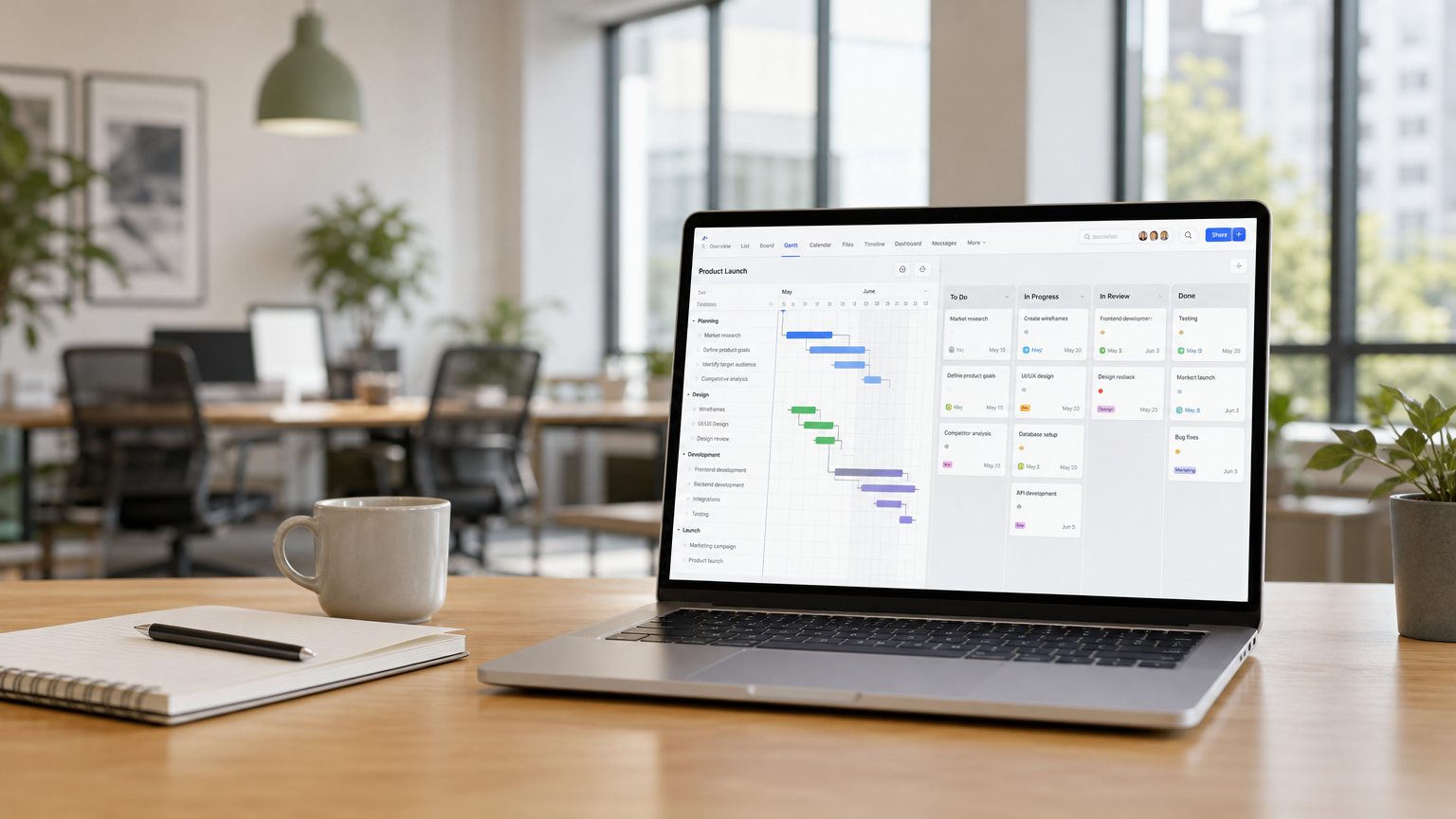
Plan dates in Gantt, manage workflow in Kanban, and organize scheduled work in Calendar. Table brings the details together. Your team chooses the view while sharing the same task information.
Start FreeFree forever for teams of up to 3 members.
Gantt
Understand timing and dependencies.
Kanban
See where work stands.
Calendars
Know what is scheduled next.
ONE CONNECTED PROJECT PLAN
Create and update tasks directly in Gantt, Table, Kanban, or Calendar. Choose the view that suits your work—the same task information stays synchronized across views.
Status, responsibilities, and dates stay connected, so your team can work without maintaining separate project plans.
Tasks appear in the relevant views according to their dates. Meetings and other calendar events appear where supported. Core is fully optimized for smartphones too.
Plan dates and dependencies.
Manage task details and assignments.
Prioritize tasks and update their status.
Schedule tasks alongside meetings and events.
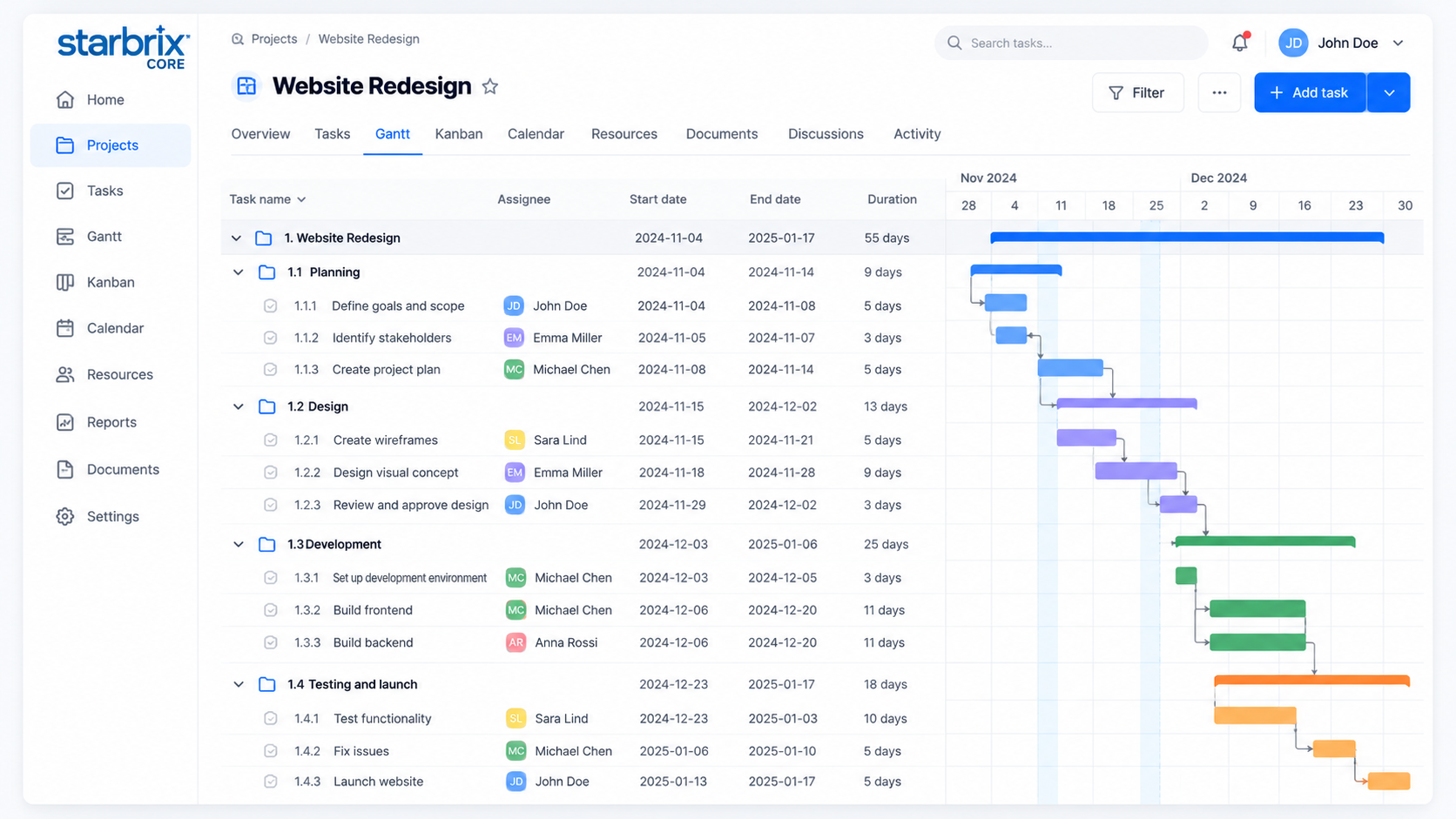
GANTT CHARTS
When projects involve several activities, deadlines, and scheduling relationships, an interactive Gantt chart makes the overall plan easier to understand.
KANBAN BOARDS
Not every activity is best managed through a timeline. Kanban helps teams see what needs to happen next and how work is progressing through a process.
Move cards between workflow columns, prioritize work within a column, and see responsible people and planned dates directly on cards.
Explore Kanban Boards →Prepare launch plan
Write product copy
Review design
Confirm requirements
CALENDARS
November 2–6
Create tasks, to-dos, and events directly in day, week, or month views. Project calendars bring scheduled work together, personal calendars show activities across projects, and Workspace calendars help teams coordinate.
Tasks and to-dos with the necessary dates appear in relevant calendars. Event reminders help participants prepare for important meetings and deadlines.
Explore Calendars →SEE THE CONNECTION
For example, Alex is responsible for “Review design,” scheduled for Thursday. The task is visible in Gantt, Table, Kanban, and the relevant calendar.
Move “Review design” to In Progress in Kanban. The same task status is available in Table and Gantt.
Reschedule the task to Friday. Its planned dates and placement in the relevant calendar reflect the change.
Alex can review the assignment in Table while the project manager follows the same task in Gantt.
The views use one task record. Calendar events and other activity types appear only in the views that support them.
ANSWERS TO COMMON QUESTIONS
Yes. All three are included for planning schedules, managing workflows, and coordinating scheduled activities within the same system.
Yes. They use shared task information. Changes to status, responsibilities, and planned dates are reflected in the relevant views; activities appear where their type and dates are supported.
Yes. Starbrix Core supports Finish-to-Start, Start-to-Start, Finish-to-Finish, and Start-to-Finish dependencies, including lead and lag times.
Yes. Task status options can be customized to reflect your organization's workflow.
Yes. You can create and schedule tasks, to-dos, and events directly in the calendar. The same activities remain available in their other applicable project views.
Yes. A project manager can work in Gantt while team members use Kanban or calendars, all using connected project information.
Yes. Starbrix Core is fully optimized for mobile use, including smartphones.
Yes. Starbrix Core is free forever for teams of up to three members.
Bring your schedules, workflows, and scheduled activities together in Starbrix Core.
Start FreeFree forever for teams of up to 3 members.