
PROJECT NOTIFICATIONS & REMINDERS
Help the right person act at the right time.
Keep people informed about assignments, deadlines, upcoming dates, and task status changes. Reuse notification settings in your project templates.
Start Free60-day free trial. All features included.
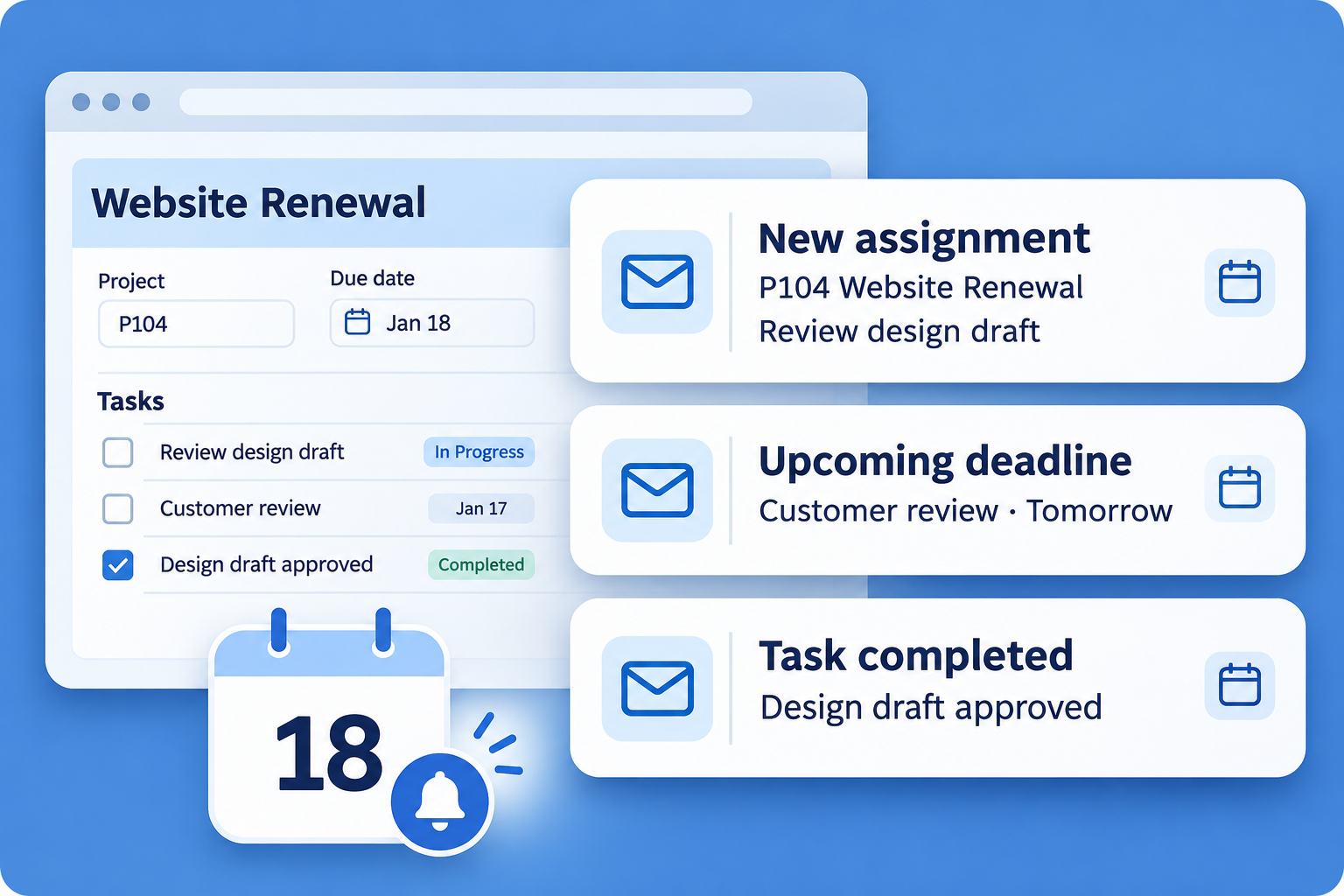
E-MAIL AT THE RIGHT TIME
Set the timing. Choose the recipients.
In each project or task, choose how many days before the planned start or finish date an e-mail reminder should be sent. Use the recipient checkboxes and add any e-mail addresses in the long recipient fields.
Project reminders
Send reminders before the planned start or finish to the project manager, project team members, or both. Notify them when the project is reported completed, too. Each notification can include additional e-mail addresses.
Task reminders
Send reminders before the planned start or finish to the person responsible, the persons accountable, or both. Add any other e-mail addresses that should receive the reminder.
Let the next people know when a task starts or finishes.
When a task starts or is reported completed, notify the project manager, the person responsible for the project’s next task, or the persons responsible for dependent tasks. Choose the recipients separately for each event and add other e-mail addresses as needed.
Automatic reminders for overdue work
Starbrix always sends reminders when a project or task has passed its planned finish date.
PROJECTS, TASKS, AND CALENDAR NOTES
Set reminders around the work that matters.
Use project and task notifications for planned work. Add e-mail reminders to calendar notes for meetings, reviews, follow-ups, and smaller scheduled activities.
Explore Calendars →REUSABLE NOTIFICATION SETTINGS
Set up useful reminders once. Reuse them.
Define notification and reminder settings in your project templates. When a new project is created from the template, the settings are ready from day one. Check its dates and responsible people for the new delivery.
Explore Project Templates →ANSWERS TO COMMON QUESTIONS
Frequently asked questions
Does Flex send reminders when work is overdue?
Yes. Starbrix always sends reminders when a project or task has passed its planned finish date.
How do I set the timing of a reminder?
Enter how many days before the planned start or finish date the e-mail should be sent in the project or task reminder settings.
Who can receive project reminders?
Select the project manager, project team members, or both. You can also enter any e-mail addresses in the recipient field for each reminder or completion notification.
Who can receive task date reminders?
Select the person responsible, the persons accountable, or both. You can also enter any e-mail addresses in the recipient field.
Who can be notified when a task starts or is completed?
Select the project manager, the person responsible for the project’s next task, or the persons responsible for dependent tasks. Additional e-mail addresses can also be entered.
Can recipients include people outside Starbrix?
Yes. Enter any e-mail addresses in the long recipient fields to send the notification to those addresses.
Can calendar notes have e-mail reminders?
Yes. Add e-mail reminders to calendar notes for meetings, follow-ups, and other scheduled activities.
Can project templates include notification settings?
Yes. Notification and reminder settings can be defined in project templates and copied into new projects.
Keep important project activity in view.
Keep project information, communication, and responsibilities connected in Starbrix Flex.
Start Free60-day free trial. All features included.
