
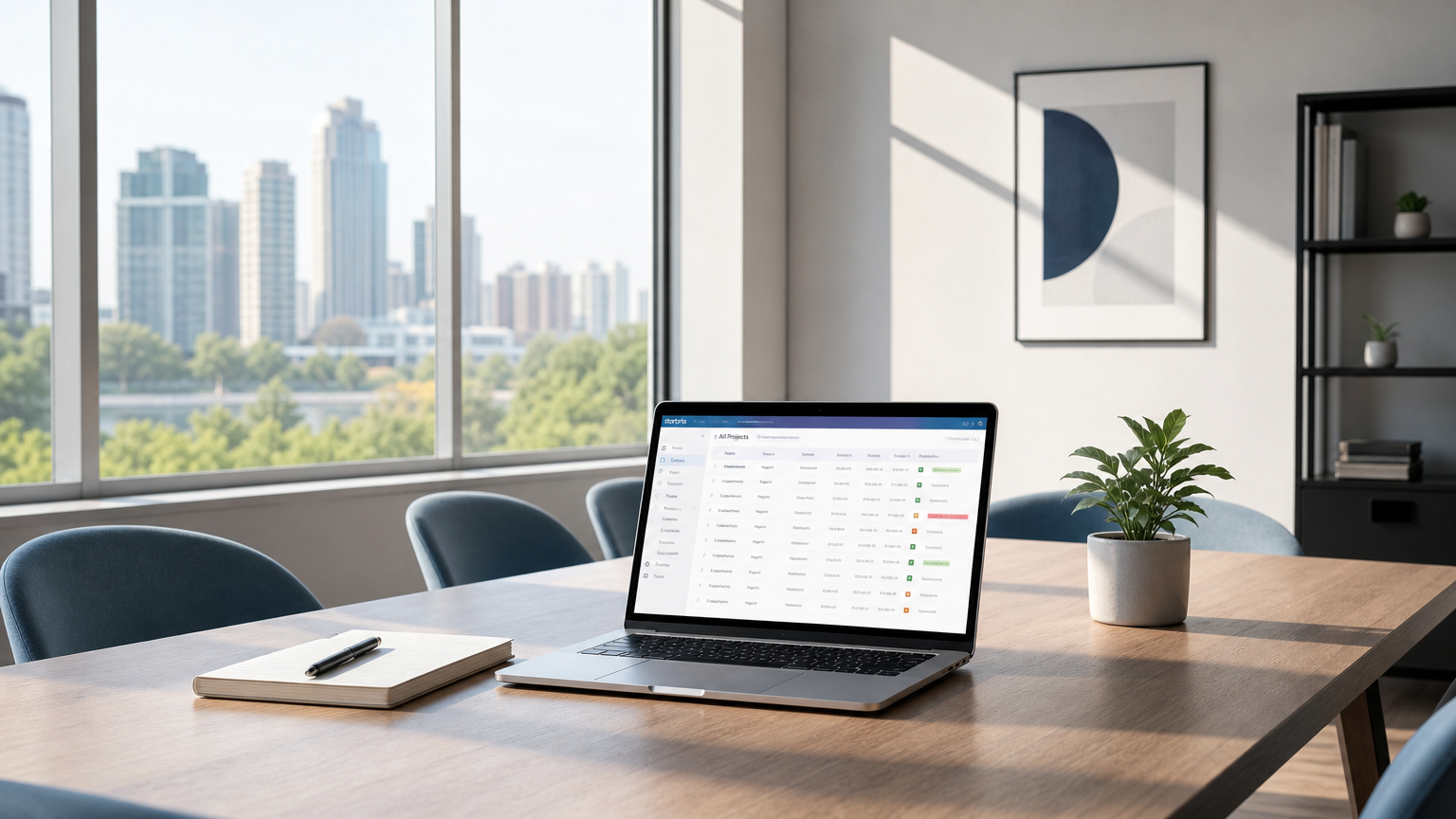
Running projects across internal teams, clients, and suppliers puts several things under constant pressure: visibility, control, profitability, and access. Everyone wants to see progress; not everyone should see internal rates, budgets, or another party's logged hours. And for project managers, knowing how many hours have been worked is only part of the picture — they also need to understand what those hours cost, what can be billed, and how projects are performing across the entire portfolio.
Both Starbrix and Teamwork address these needs, but they approach them from different starting points.
This comparison is for project managers, operations leads, professional services organizations, and PMO stakeholders evaluating time tracking, project visibility, financial control, portfolio management, and controlled access for external parties.
Quick orientation before the detail: Starbrix combines project planning, scheduling, resource management, time tracking, timesheet approval, financial control, invoicing, reporting, and portfolio-level visibility in one integrated system. Teamwork is designed around client-work delivery and PSA-style workflows, with strong time tracking and named permission controls for who can view and log time within each project.
How each platform handles time tracking and project visibility
Starbrix was founded in Finland in 1995 and brings more than 30 years of project management experience to the platform. Its design reflects that background: projects, tasks, schedules, resources, time tracking, financials, reporting, and collaboration sit in one shared system.
This reduces the fragmentation that comes from running timesheets in one tool, Gantt charts in another, financial tracking somewhere else, and client communication in yet another system.
Flexible time tracking for different ways of working
Time tracking in Starbrix is designed to support different organizations, roles, and ways of working.
Administrators can determine whether users report hours only or use start and end times. They can enforce the selected method so that individual users cannot change it, or allow users to choose their preferred reporting method themselves.
The available methods are:
- Hours only: report the amount of time worked, for example 2 hours.
- Start and end times: report when the work started and ended, for example 9:00 AM to 11:00 AM.
When start and end time reporting is used, users can either enter the times manually or use the built-in timer. With the timer, the user starts the clock when work begins and stops it when the work is finished.
Time tracking itself can also be enabled or disabled for individual users. This allows organizations to adapt time reporting to different roles rather than forcing everyone into the same workflow.
Timesheet review and approval
Both Starbrix Core and Starbrix Flex include extensive functionality for reviewing and approving timesheets.
Reported hours can be reviewed before approval, providing a controlled workflow from initial time entry to approved working hours. This makes time reporting useful not only for recording what has been done but also as trusted data for management, project financials, and invoicing.
From worked hours to actual project costs
In Starbrix Flex, organizations can define what an employee's working hour actually costs the company.
As hours are reported, those hours can therefore carry a real internal cost. Instead of seeing only that a project has consumed, for example, 350 working hours, project management can see the financial impact of those hours in the project's budget and cost tracking.
This connects operational project activity directly to financial performance:
Worked hours × internal hourly cost = actual labor cost
As a result, labor does not remain a separate timesheet statistic. It becomes part of the project's actual cost structure and budget follow-up.
Flexible billing rates down to project, task, and individual level
Internal cost and customer billing are separate concepts in Starbrix.
Billing rates can be defined at the project level, allowing a project to have its own hourly billing rate. Rates can also be specified more precisely at the task level when different types of work are billed differently.
When necessary, hourly billing rates can even be specified at the individual level within a project or project task.
This makes it possible to model situations such as:
- One standard hourly rate for an entire project
- Different rates for different project tasks or types of work
- Different rates for different people
- Person-specific rates for particular tasks within a project
This level of flexibility is particularly useful for consulting, engineering, professional services, and other project businesses where the same employee may be billed differently depending on the customer, project, or type of work.
Once hours have been reviewed and approved, approved billable hours can automatically be brought into invoicing.
The result is an integrated financial workflow:
Work → Time reporting → Review → Approval → Actual project cost → Billing → Invoicing
Project-level and portfolio-level reporting
Starbrix reporting is not limited to individual projects.
Managers can produce time reports for selected periods and analyze data by dimensions such as project, person, customer, and other relevant criteria.
Starbrix also provides portfolio-level dashboards and reports, allowing management to look beyond individual projects and understand the overall project portfolio.
This is an important distinction. A project manager may need to understand one project's progress and finances, while management or a PMO needs answers to broader questions:
- Which projects are progressing according to plan?
- Which projects are falling behind?
- Where is the organization spending its working hours?
- How is workload distributed across projects?
- Which customers or projects consume the most resources?
- How is the overall project portfolio performing?
Starbrix provides both perspectives: detailed project-level management and consolidated portfolio-level visibility.
Teamwork's approach
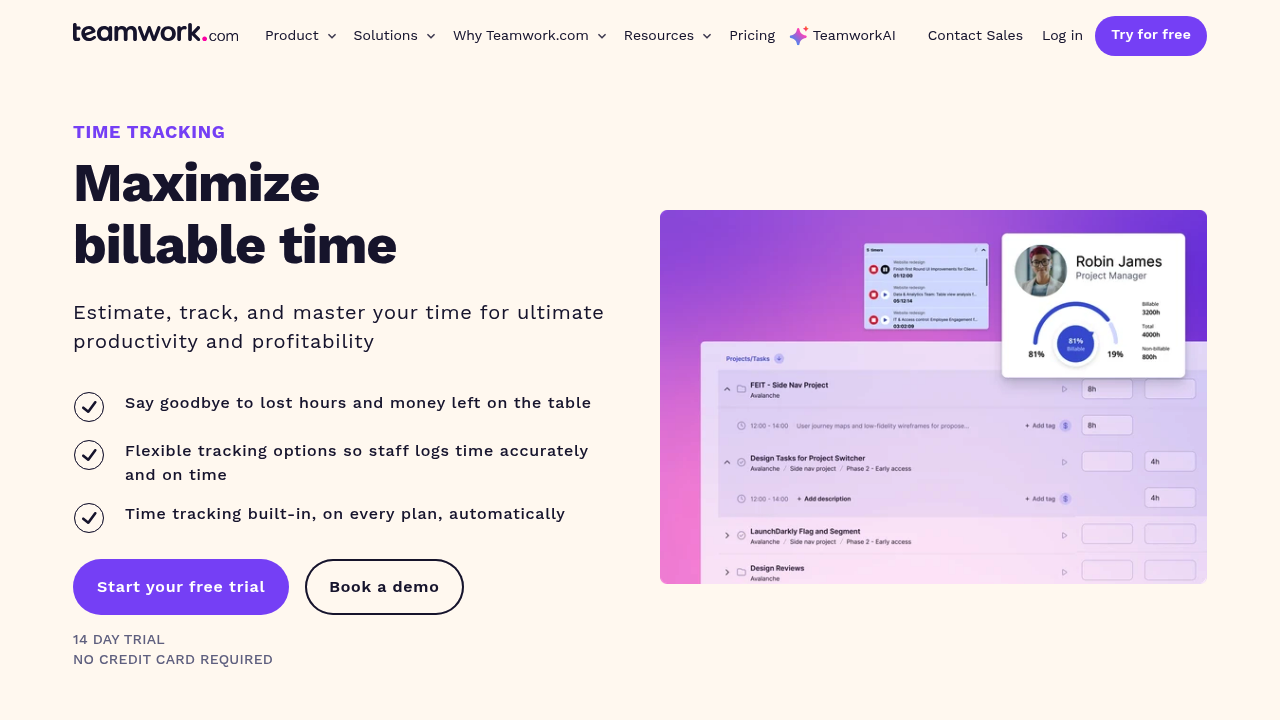
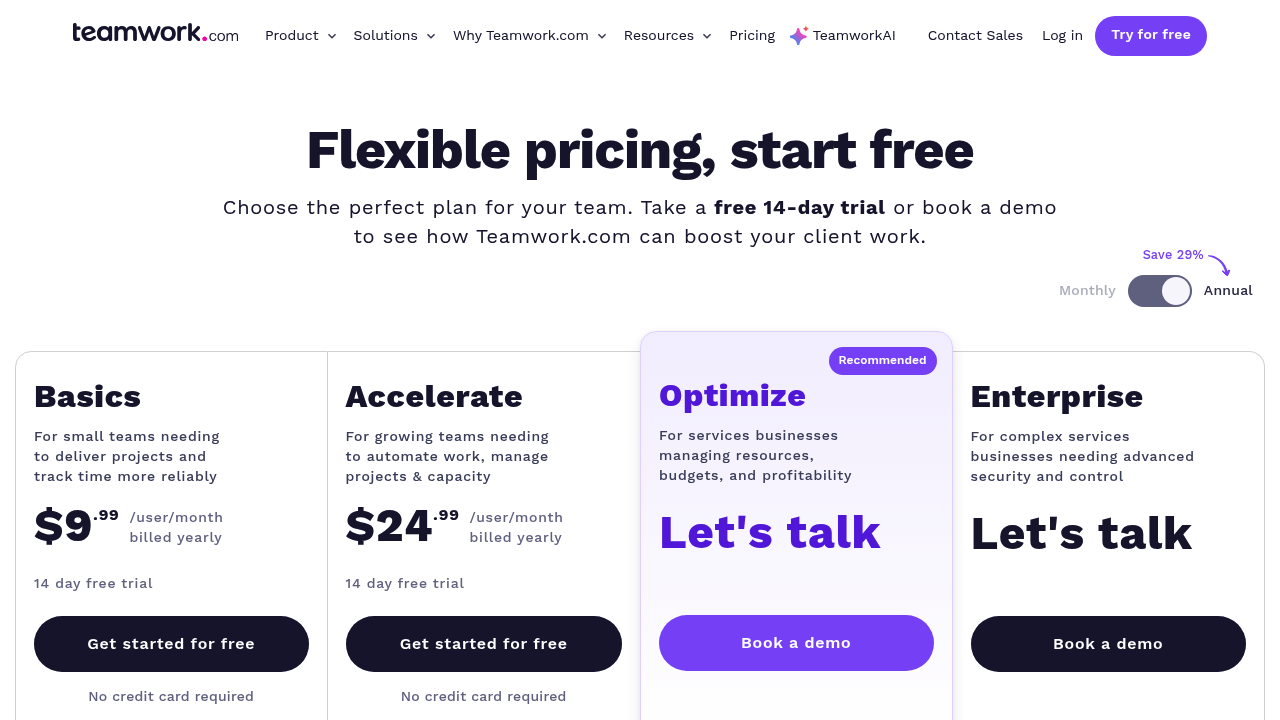
Teamwork positions itself as a client-work platform and PSA (Professional Services Automation) tool. Time tracking is central to that positioning, with named project-level permissions including "Log time", "View time log", and "View other people's time" that can be toggled per user role.
That granularity is useful for agencies and consultancies billing by the hour, particularly when client-work delivery is the central operating model.
Feature-by-feature comparison
Time tracking in practice: from work to financial control
Consider an engineering or consulting company where different roles have different time-reporting requirements.
Some employees may simply report 2 hours against a task. Others may need to document that they worked from 9:00 AM to 11:00 AM. Employees spending uninterrupted time on a task may prefer to start and stop a timer.
Starbrix can support all three workflows.
The organization can determine how much freedom users have. An administrator can enforce the reporting method or allow selected users to choose between hours-only and start/end-time reporting.
But recording the time is only the beginning.
Suppose an engineer reports 8 hours against a customer project. In Starbrix Flex, those hours can have an internal cost representing what the engineer's working time costs the company. The reported work therefore contributes to the actual cost of the project and its budget follow-up.
The same hours may have a completely different customer billing rate. That rate can depend on the project, the task being performed, or even the individual performing the work.
After the timesheet has been reviewed and approved, those approved hours can be used automatically in invoicing.
The same time entry can therefore serve several purposes:
Employee: records the work performed
Project manager: sees resource consumption and project progress
Financial control: sees the actual labor cost against the project budget
Management: analyzes time and costs across projects and customers
Billing: uses the approved hours and applicable billing rate for invoicing
This is the key point: one time entry becomes operational, managerial, financial, and billing data.
From individual projects to the entire portfolio
A common weakness in project management software is that it works well when someone opens a single project but provides a much weaker picture when management wants to understand 20, 50, or 200 projects simultaneously.
Starbrix is designed to support both levels.
At the individual project level, managers can follow schedules, tasks, resources, worked hours, budgets, costs, and other project information.
At the portfolio level, dashboards and reports provide a consolidated view across projects. Information can be analyzed and filtered from different perspectives, helping management identify patterns and exceptions without opening every project individually.
This is especially valuable for organizations running many simultaneous customer projects, internal projects, or both.
Portfolio-level visibility turns project data into management information.
Scoring each platform across the key criteria
The scores are intended as a practical comparison rather than an absolute ranking. Organizations should validate both platforms against their own workflows, particularly around financial rules, permissions, approval processes, invoicing requirements, portfolio reporting, and external-user access.
When to choose Starbrix vs Teamwork
Choose Starbrix if:
- You want time tracking to be part of a broader project management and financial workflow rather than an isolated timesheet function.
- You need different time-reporting methods for different users or organizations.
- You want administrators to control whether users report hours only or actual start and end times.
- You want the option to let individual users choose their preferred reporting method.
- Your users need both manual time entry and timer-based tracking.
- You need structured review and approval of reported hours.
- You want worked hours to generate actual labor costs in project budget tracking.
- You need to distinguish between what an hour costs your company and what you charge your customer for that hour.
- You need billing rates that can vary by project, task, and individual.
- You want approved hours to flow automatically into invoicing.
- You need flexible time reports by period, project, person, customer, and other criteria.
- You need strong dashboards and reports across the entire project portfolio, not just within individual projects.
- You want management to move easily between portfolio-level visibility and detailed project information.
- Your projects involve clients, suppliers, or contractors who need controlled access to relevant project information.
- You need Gantt, Kanban, workload, time, financial control, collaboration, reporting, and invoicing connected to the same project data.
Choose Teamwork if:
- Your organization is primarily focused on client-service delivery and wants a PSA-oriented environment.
- You need clearly named project-level time permissions such as Log time, View time log, and View other people's time.
- Billable vs non-billable time is a central part of your operating model.
- You already use other Teamwork products and want a closely integrated ecosystem.
- Your clients expect a dedicated client-oriented project experience with controlled visibility.
Common fit issues to check before committing
Don't evaluate time tracking only by asking whether the software has a timer. A timer is useful, but it is only one component of time management. Consider who needs to report time, how they report it, who controls the method, how hours are reviewed and approved, and what happens to those hours afterward.
Separate cost rates from billing rates. For project-based organizations, these answer two very different questions: What did this work cost us? and What can we charge the customer? A project management system becomes significantly more useful financially when it can handle both.
Check the level at which rates can be defined. A single company-wide hourly rate may not be sufficient. Different projects, tasks, types of expertise, and individual employees may require different billing rates.
Test the complete time-to-invoice process. Don't stop the evaluation when a manager approves a timesheet. Follow the hours all the way through project costs, budget follow-up, customer billing, and invoicing.
Evaluate portfolio reporting, not only project reporting. Open a single project and evaluate its dashboards — but then ask the system to give management an overview of all projects. Organizations managing many simultaneous projects need both levels.
Test approval with real managers. A time-reporting system needs to work efficiently for people reviewing large numbers of entries, not only for employees entering their own hours.
Practical migration tips
Migrating to a new project management platform is rarely just a data transfer. Permissions, time data, approval processes, financial structures, and billing rules need to be mapped.
Define your time tracking model. Identify which users need to report time and which do not. Decide whether hours-only reporting is sufficient or whether actual start and end times are required. Determine whether administrators should enforce these settings or users should be allowed to choose.
Define internal hourly costs. If labor should form part of actual project costs, establish how internal hourly costs are calculated and maintained.
Map billing rates. Determine whether rates vary by customer, project, task, person, or combinations of these.
Map your approval process. Document who reviews whose hours, when approval takes place, and what happens when an entry needs correction.
Map the time-to-invoice process. Determine how approved billable hours move into customer invoices and where rates are applied.
Define both project and portfolio reporting requirements. Don't only list reports needed by individual project managers. Include the dashboards, KPIs, filters, and reports that senior management needs across the entire project portfolio.
Pilot the complete workflow. Run a realistic process from time entry through approval, actual project cost, budget follow-up, portfolio reporting, and customer invoicing.
Scenarios from the field
Engineering company managing project profitability
An engineering company runs dozens of customer projects simultaneously.
An engineer reports 10 hours against a design task. Starbrix Flex applies the engineer's internal hourly cost, and the resulting labor cost becomes part of the project's actual costs and budget follow-up.
The customer may be charged a different hourly rate. That billing rate can be determined by the project, the specific design task, or the individual engineer.
Once the hours are approved, they can be included in invoicing.
The project manager can see the financial situation of the individual project, while management can use portfolio-level dashboards and reports to understand performance across the company's entire project portfolio.
Professional services company with different billing rates
A consulting company has several consultants working for the same customer.
The customer agreement specifies different rates depending on the work and expertise involved. Senior consulting may have one rate, implementation another, and specialist work a third.
Starbrix can apply billing rates at the project level and refine them at task and individual level where required.
Consultants report their work, managers review and approve the timesheets, and approved hours become available for invoicing using the applicable rates.
Operations team managing internal and external projects
A manufacturing business runs internal development projects alongside customer projects.
Some employees report only total hours, others use exact start and end times, and some use the timer. Certain employees do not need time tracking at all.
Project managers monitor individual projects, including their schedules, resources, hours, and financials. Management uses portfolio-level dashboards and reports to see the larger picture across all ongoing and future projects.
The same underlying project information therefore supports day-to-day execution, project management, financial control, and portfolio management.
The bottom line
Both Starbrix and Teamwork provide capable time tracking and project management functionality. But organizations evaluating these systems should look beyond the mechanics of entering hours.
The more important question is what happens after an hour has been reported.
In Starbrix, reported time can move through review and approval, become an actual labor cost in project financial tracking, be analyzed in project and portfolio-level reports, receive the appropriate customer billing rate, and ultimately flow into invoicing.
At the same time, Starbrix connects that financial information with schedules, tasks, resources, workload, collaboration, and portfolio management.
For organizations that want to understand not only what people are working on, but also what that work costs, what can be billed, how individual projects are performing, and what is happening across the entire project portfolio, this integrated approach is a significant advantage.
