
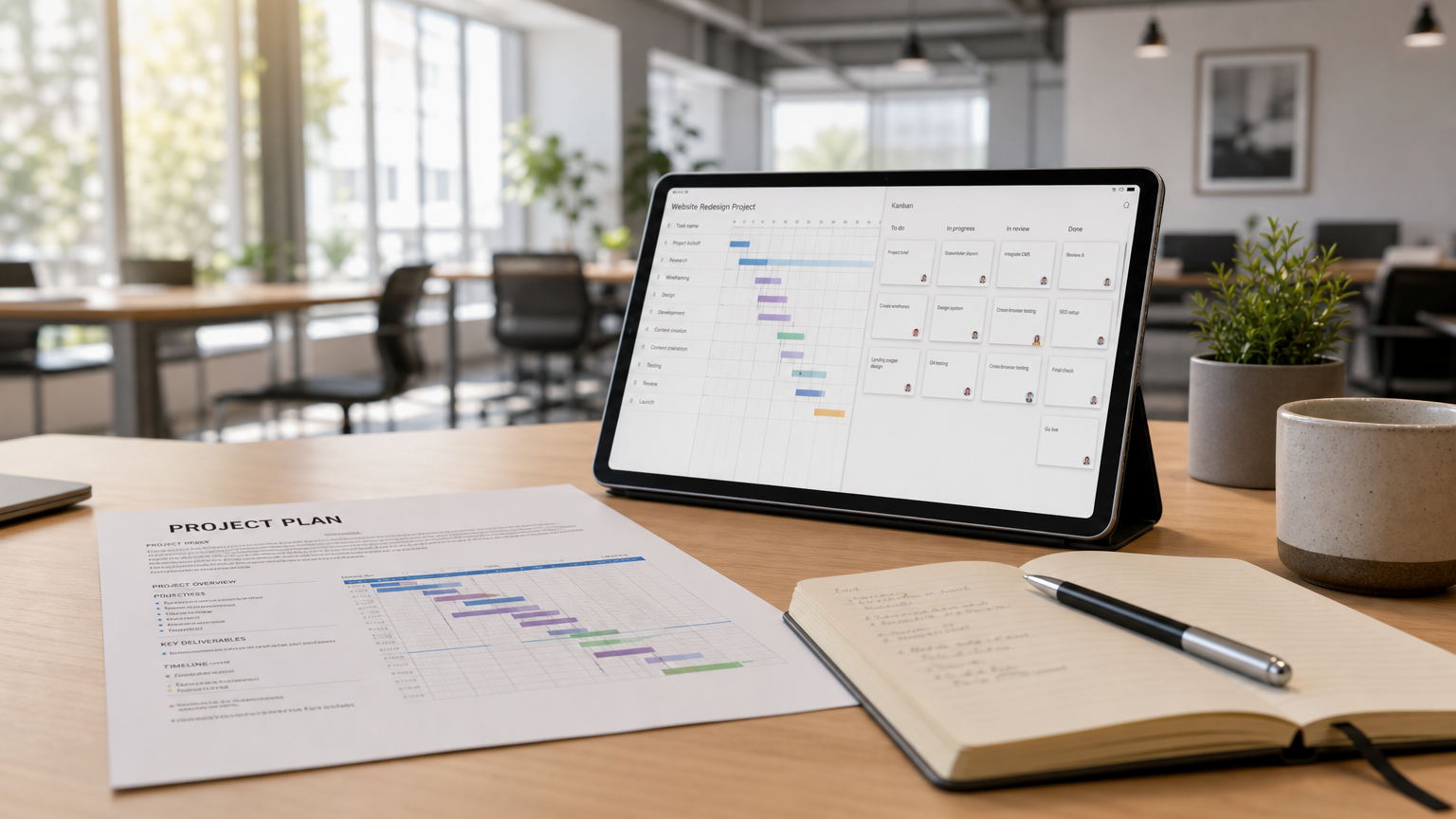
PSA software and project management software are often described as two separate categories. Both deal with projects, tasks, people, resources, and time, but traditionally they have been built to answer somewhat different questions.
Project management software focuses primarily on questions such as: Is the work on track? Are we using our resources effectively? Will the project be completed on time?
Professional Services Automation (PSA) software extends this into the commercial side of project-based work: Is the project profitable? Are billable hours being captured? Are costs and revenue under control? Can the work be invoiced correctly?
In practice, however, the boundary is no longer always clear. Modern project management platforms can extend far beyond tasks and schedules, while some PSA platforms include extensive project planning capabilities.
Starbrix Flex is a good example of this overlap. It combines advanced project management with resource planning, time reporting, financial control, quotations, orders, purchasing, materials, services, and invoicing — connecting project delivery with the business processes around it.
What PSA (professional services automation) software actually does
PSA software is designed primarily for organizations that deliver work to external clients and need to connect project delivery with resources, time, billing, revenue, and profitability.
Typical PSA capabilities include:
- Time and expense tracking: Recording billable and non-billable work against customers and projects.
- Billing and invoicing: Turning approved work, expenses, products, or services into customer invoices.
- Project financial management: Tracking budgets, costs, revenue, forecasts, and margins.
- Resource and utilization management: Understanding capacity, workload, and how available working time is being used.
- Profitability reporting: Comparing planned and actual project costs and revenue.
- Commercial management: Managing information related to customers, contracts, quotations, orders, or other commercial processes.
A typical PSA workflow could therefore look like this:
A customer order creates a project → resources and work are planned → employees report their hours → materials and services are recorded → actual costs and revenue are monitored → completed work is invoiced.
The important characteristic is that project execution and commercial processes are connected.
What project management software does
Project management software is primarily built for planning, scheduling, coordinating, and monitoring work.
Typical capabilities include:
- Project structures and task hierarchies
- Gantt chart scheduling
- Dependencies and milestones
- Kanban boards and workflows
- Calendar views and deadline tracking
- Resource and workload planning
- Task management
- Documents and attachments
- Project communication and collaboration
- Access rights for employees, customers, partners, and suppliers
- Dashboards and reporting
- Portfolio-level visibility across multiple projects
A typical project management workflow might look like this:
A project is created → tasks and schedules are planned → work is assigned to team members → resources and progress are monitored → documents and communication are kept with the project → management follows progress across the project portfolio.
Traditional PM software may stop there.
But that does not mean all project management platforms do.
More comprehensive platforms can connect project planning with time reporting, financial management, procurement, quotations, orders, materials, services, and invoicing.
This is where the distinction between PM and PSA starts to become less clear.
Key feature differences: PSA vs PM software
Rather than treating PSA and project management as completely separate categories, it is more useful to think of them as overlapping sets of capabilities.
The important point is that software categories describe typical products — they do not define what an individual platform can or cannot do.
A simple task-management product may clearly belong to the PM category. A specialized billing and utilization platform may clearly belong to PSA.
Starbrix Flex covers both sides.
Which organizations need PSA vs PM
The right choice depends less on the category name and more on the processes an organization needs to manage.
Project management software may be sufficient when:
- Projects are primarily internal.
- The main requirement is planning and coordinating work.
- Teams need Gantt charts, tasks, Kanban, calendars, and collaboration.
- Resource planning is relatively straightforward.
- Project-level billing and commercial processes are handled elsewhere or are not required.
Examples include internal product development, marketing projects, organizational development, and many internal IT projects.
PSA capabilities become important when:
- Employees report hours against customer projects.
- Resource utilization and workload need to be monitored.
- Project budgets, costs, and revenue need to be controlled.
- Work needs to be invoiced.
- Management needs financial visibility at project level.
- Customer work includes different commercial models.
- Project delivery needs to be connected with the financial processes of the business.
This is common in consulting, engineering, IT services, construction-related businesses, agencies, and other project-driven organizations.
The hybrid reality
For many organizations, the traditional answer has been to use several systems.
A PM tool handles projects, schedules, and tasks. A PSA system handles resources, time, and billing. An accounting or ERP system handles financial transactions.
This can work, but it also creates integrations, duplicated information, and boundaries between processes that are closely related in everyday work.
An alternative is a combined platform that covers both project delivery and the commercial workflows surrounding it.
This is the approach taken by Starbrix Flex.
Use-case examples
Example 1: Internal project team
A marketing department manages multiple campaigns simultaneously.
The team needs project structures, Gantt schedules, Kanban boards, tasks, documents, communication, and progress reporting. Nobody needs to invoice customers for the work.
A project management solution can cover these requirements without extensive commercial functionality.
Example 2: Professional services company
An engineering or consulting company manages dozens of customer projects.
Employees need to plan their work and report hours. Project managers need visibility into schedules, workload, budgets, costs, and revenue. Management wants to understand the financial situation across the project portfolio.
Completed work must eventually be invoiced.
This organization needs both strong project management and PSA capabilities.
Example 3: Project-driven business with a wider business process
Consider a company where the process begins even before the project exists.
A customer requests a quotation. The quotation becomes an order. The order results in one or more projects. Resources and work are scheduled. Employees report hours. Products, materials, and services are used. Purchases may need to be made. Documents and discussions accumulate throughout the process. Finally, the customer is invoiced.
For this type of organization, separating project management from the surrounding business process can be artificial.
A combined platform can provide a continuous workflow:
Quotation → Order → Project → Scheduling → Resource planning → Time reporting → Materials & services → Purchasing → Financial control → Invoicing
This is one of the areas where Starbrix Flex is particularly strong.
Buyer checklist: what do you actually need?
Instead of starting with the question “Do we need PM or PSA software?”, consider the processes you need the system to support:
- Do you need structured project and task management?
- Do you need Gantt scheduling, Kanban, or calendar planning?
- Do you need to balance workload and resources across projects?
- Do employees need to report hours?
- Do you need project budgets and financial forecasts?
- Do you need to monitor actual project costs and revenue?
- Do you create customer quotations or orders?
- Do projects involve products, materials, or services?
- Do you need purchasing as part of the project process?
- Do you need to create invoices based on project activity?
- Do you need documents and project communication in the same environment?
- Do you need dashboards and portfolio-level visibility?
- Does information need to integrate with accounting, ERP, CRM, or other business systems?
If your requirements are concentrated around the first few questions, a conventional project management platform may be enough.
If many of the later questions are also important, you are moving into PSA or project ERP territory.
And if you need both, it may make more sense to choose a platform designed to connect them.
Where Starbrix fits in this picture
Starbrix offers two approaches for different levels of project management needs.
Starbrix Core focuses on intuitive, powerful project management. It helps organizations plan projects, manage tasks and schedules, balance resources and workload, track time, collaborate, manage documents, and maintain visibility across projects.
Starbrix Flex goes considerably further.
It combines project management with PSA and project-oriented business functionality. Projects do not exist as isolated schedules: they can be connected with the commercial and financial processes surrounding the work.
Depending on how an organization configures Starbrix Flex, the workflow can include:
Quotations → Orders → Projects → Tasks and schedules → Resource and workload planning → Time reporting → Materials and services → Purchasing → Project financial control → Invoicing
At the same time, project managers can work with Gantt charts, tasks, Kanban, calendars, budgets, documents, communication, dashboards, and portfolio-level reporting.
This means Starbrix Flex should not be viewed simply as the project planning layer sitting in front of a separate PSA system.
For many organizations, Starbrix Flex can perform both roles.
An accounting system can still be integrated where appropriate, but project managers and employees can work with the operational and project-related information in Starbrix instead of having to divide the process between unrelated systems.
More than a category
The distinction between PSA and project management software is useful when understanding the market, but it should not become an artificial limitation.
Modern organizations rarely experience projects, resources, hours, costs, customer orders, documents, communication, and invoicing as completely separate processes. They are different parts of the same flow of work.
That is the philosophy behind Starbrix Flex.
Starbrix has been developed in Finland since 1995 and is built on more than 30 years of practical project management experience. Over those years, the platform has evolved through close cooperation with customers and thousands of users working with real projects.
The result is not simply project management software and not simply PSA software.
Starbrix Flex connects project management with the wider business processes that make projects happen — from the first quotation to the final invoice.
