

Why organizations are rethinking Microsoft Project in 2026
The decision for many PMOs is no longer theoretical. According to Microsoft Community Hub guidance published in September 2025, Project Online will officially retire on 30 September 2026. The timeline has already tightened: sales of Project Online-only subscriptions to new customers ended on 1 October 2025, and the creation of new Project Web App (PWA) sites was blocked from 1 April 2026. For organizations that have relied on Project Online as their portfolio backbone, that is a firm deadline, not a distant advisory.
It is worth being precise about scope. The retirement applies exclusively to Project Online, the cloud-hosted PPM service. It does not affect Project Desktop (the .mpp client), Project Server (on-premises), or Microsoft Planner. So if your organization's exposure is primarily Gantt scheduling in the desktop client, the urgency is different to that of a PMO running portfolio reporting through Project Web App. This guide is written for the latter: organizations that need portfolio-level governance, multi-project visibility, schedule and dependency control, and integrations with the wider business.
Project Portfolio Management in practice means more than a Gantt chart. A capable PPM environment covers portfolio intake and prioritization, multi-project schedule views with dependency tracking, baseline and variance reporting, resource and capacity management, workflow-driven status governance, financial reporting at portfolio level, and integrations with CRM, ERP, and finance systems. The question is which alternative delivers these outcomes reliably, at an appropriate cost, and within a manageable migration window.
This guide compares the leading alternatives across those dimensions. It includes a feature matrix with more than 20 criteria, a pricing and TCO section with sourced ranges, a reusable migration checklist, and a mapping of tools to organization types. No single tool is positioned as universally correct; the aim is to give you enough structured information to build your own shortlist.
Leading alternatives at a glance
The market divides into three broad categories: enterprise PPM suites built primarily for governance and portfolio strategy; hybrid work management platforms that have extended into PPM; and schedule-oriented PPM tools that offer stronger Gantt depth alongside portfolio views.
Enterprise PPM suites
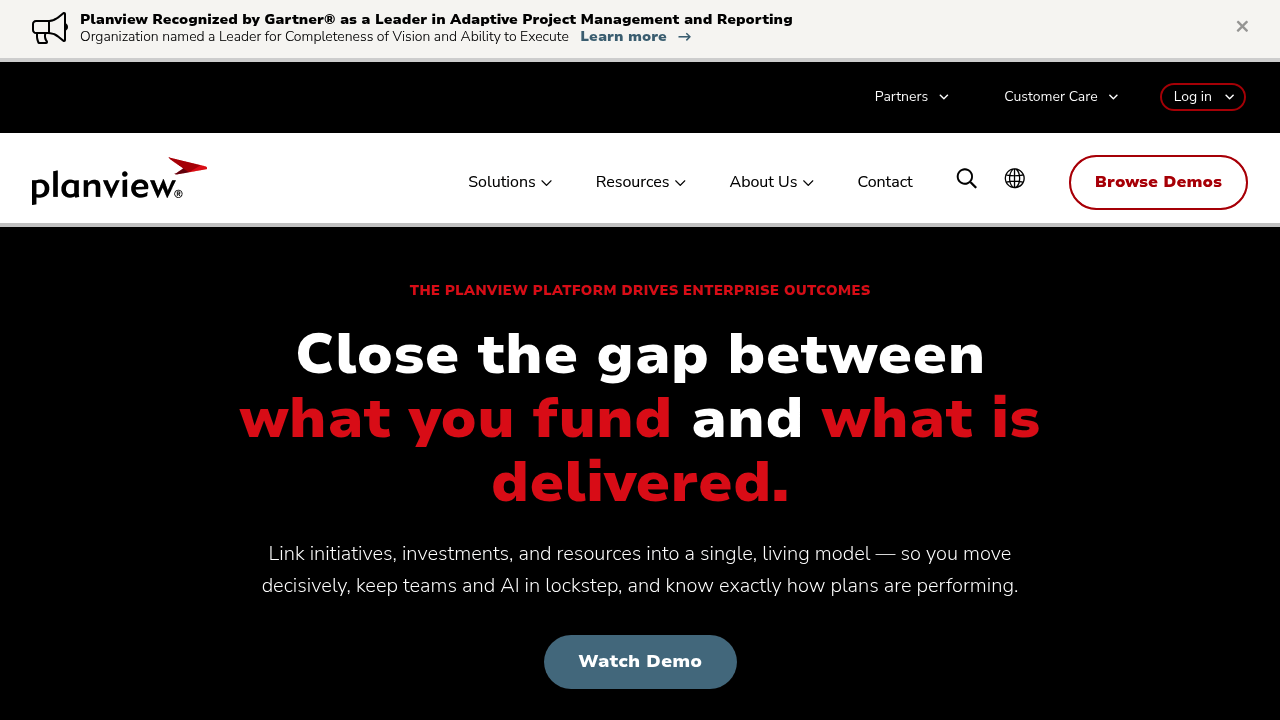
Planview is one of the most widely deployed enterprise PPM platforms, rated 4.2 stars across 844 reviews on Gartner Peer Insights. It covers the full portfolio lifecycle: demand intake, capacity planning, financial management, roadmapping, and programme tracking. Best for: large enterprises with formal PMOs that require investment prioritization and resource capacity constraints.
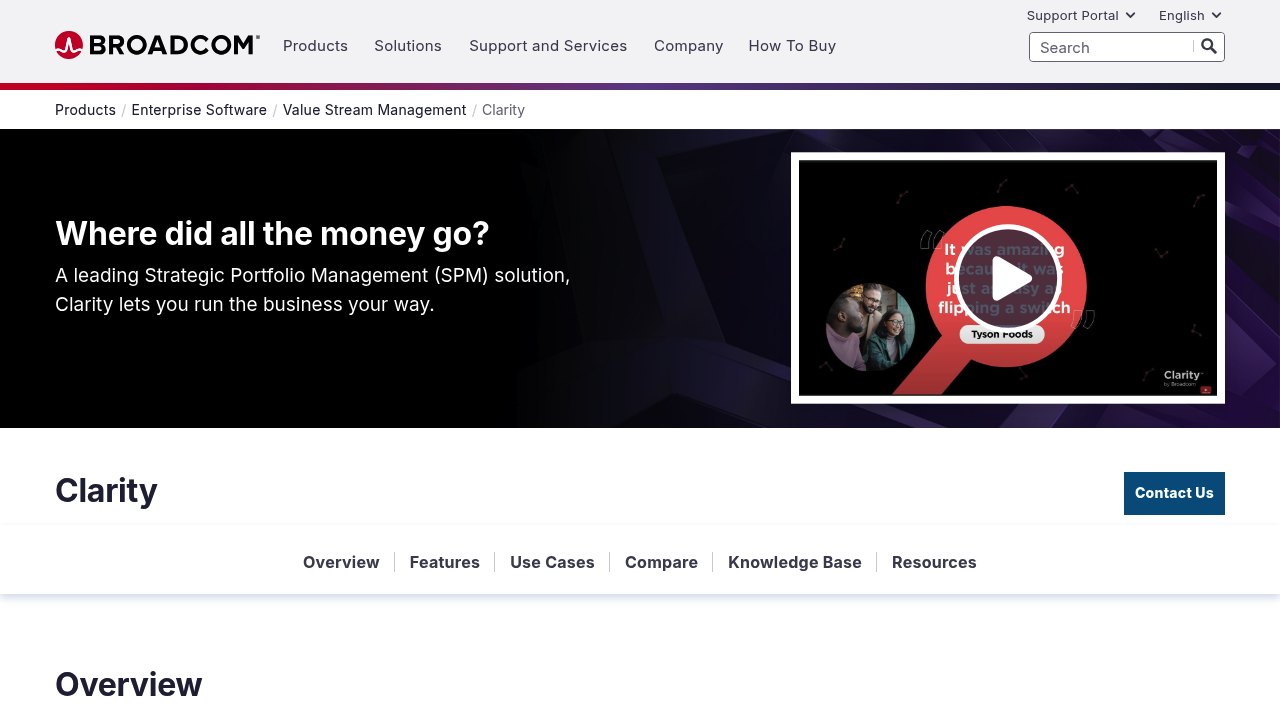
Broadcom Clarity PPM is a long-established enterprise suite with deep financial planning, scenario modelling, and strategic alignment features. It targets organizations with complex programme governance and IT portfolio management needs. Best for: large enterprises managing IT and capital portfolios with detailed financial control requirements.
Planisware offers enterprise project portfolio management with particular depth in R&D and engineering-intensive industries. It supports complex dependency modelling, resource simulation, and stage-gate governance. Best for: engineering, aerospace, pharmaceutical, or product development organizations running long-horizon programmes.
Sciforma is a PPM platform focused on demand management, portfolio analysis, and capacity planning for mid-to-large enterprises. It supports scenario-based portfolio analysis and integrates with common ERP systems. Best for: organizations that prioritize portfolio analysis and demand governance over day-to-day task management.
ServiceNow Strategic Portfolio Management extends from the broader ServiceNow platform and is typically adopted by organizations already running ITSM on ServiceNow. It supports demand, resource, and financial portfolio views with strong process automation. Best for: IT departments and enterprises already invested in the ServiceNow ecosystem.
Hybrid work management platforms with PPM capabilities
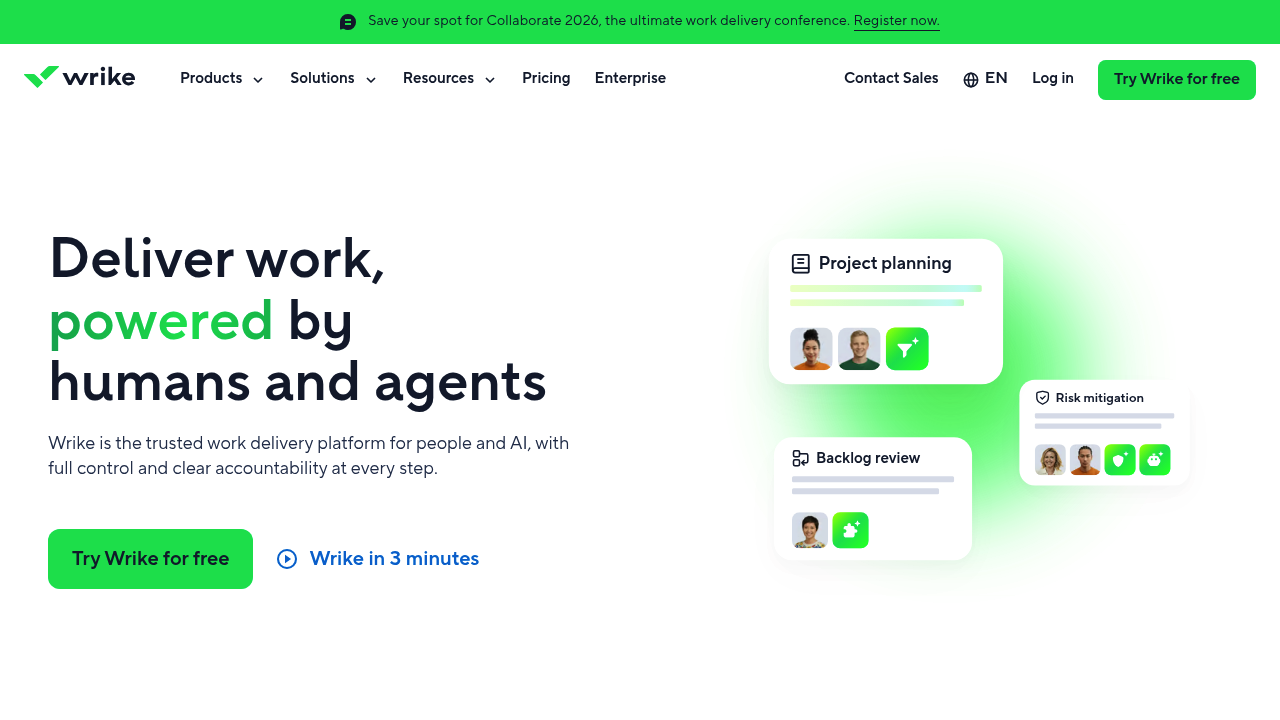
Wrike is a project and work management platform with portfolio dashboards, cross-project reporting, and resource management available on higher tiers. As of August 2026, Wrike holds a 4.4/5 overall rating on Capterra based on 3,035 verified user reviews, with 89% positive sentiment. Best for: cross-functional teams and mid-sized organizations that need shared visibility across many concurrent workstreams.
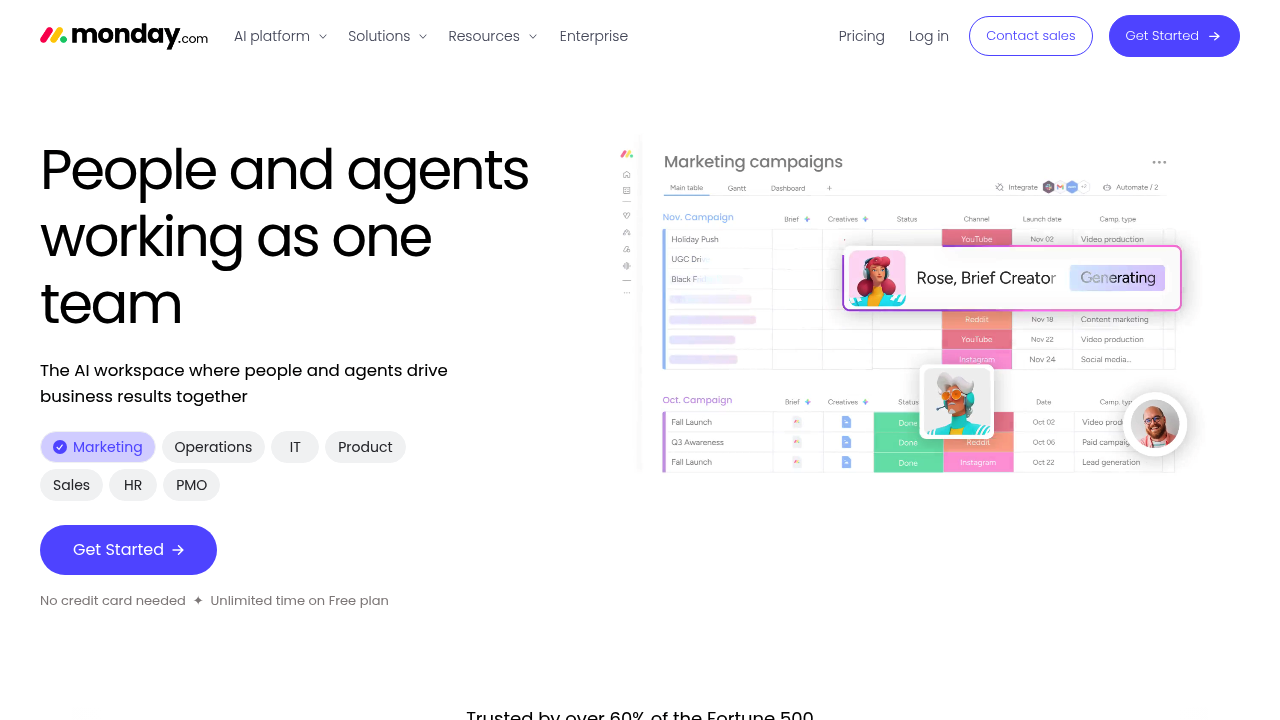
monday.com offers portfolio management through its Work Management and Enterprise tiers, with dashboards that aggregate project data across boards. It has a low barrier to entry and a wide integration library. Best for: organizations seeking rapid deployment and broad team adoption, particularly in marketing, operations, and product management.
Asana supports portfolio views, goals, and workload management at its Advanced and Enterprise tiers. Its strength is workflow automation and approval processes across teams. Best for: organizations with complex approval chains and cross-departmental workflow governance.
Jira Align (Atlassian) extends Jira's issue tracking into Agile portfolio management, covering epics, programmes, and strategic themes. Best for: software development and IT organizations already using Jira at team level.
Schedule-oriented PPM tools
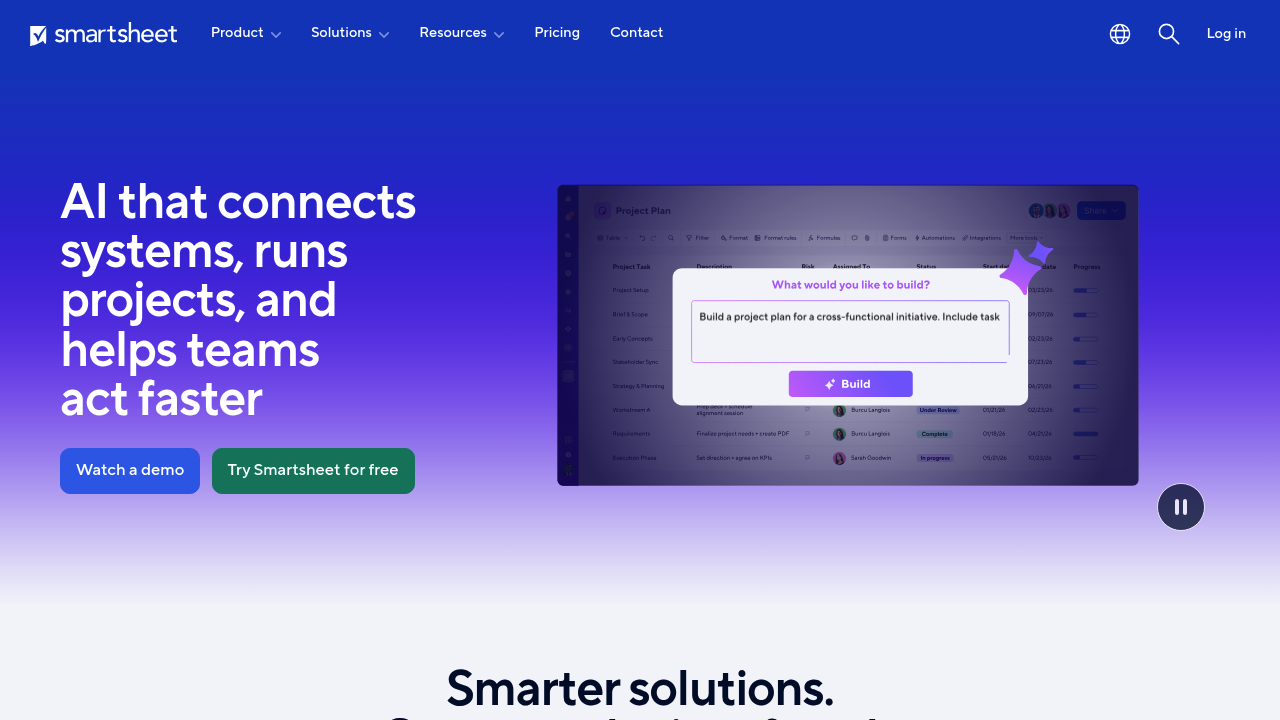
Smartsheet combines spreadsheet-like familiarity with Gantt scheduling, portfolio dashboards, and automation. It is widely used for project reporting in Microsoft 365-centric organizations and integrates with Teams and SharePoint. Best for: organizations migrating from Excel-based project tracking that need structured scheduling and portfolio views without a steep learning curve.
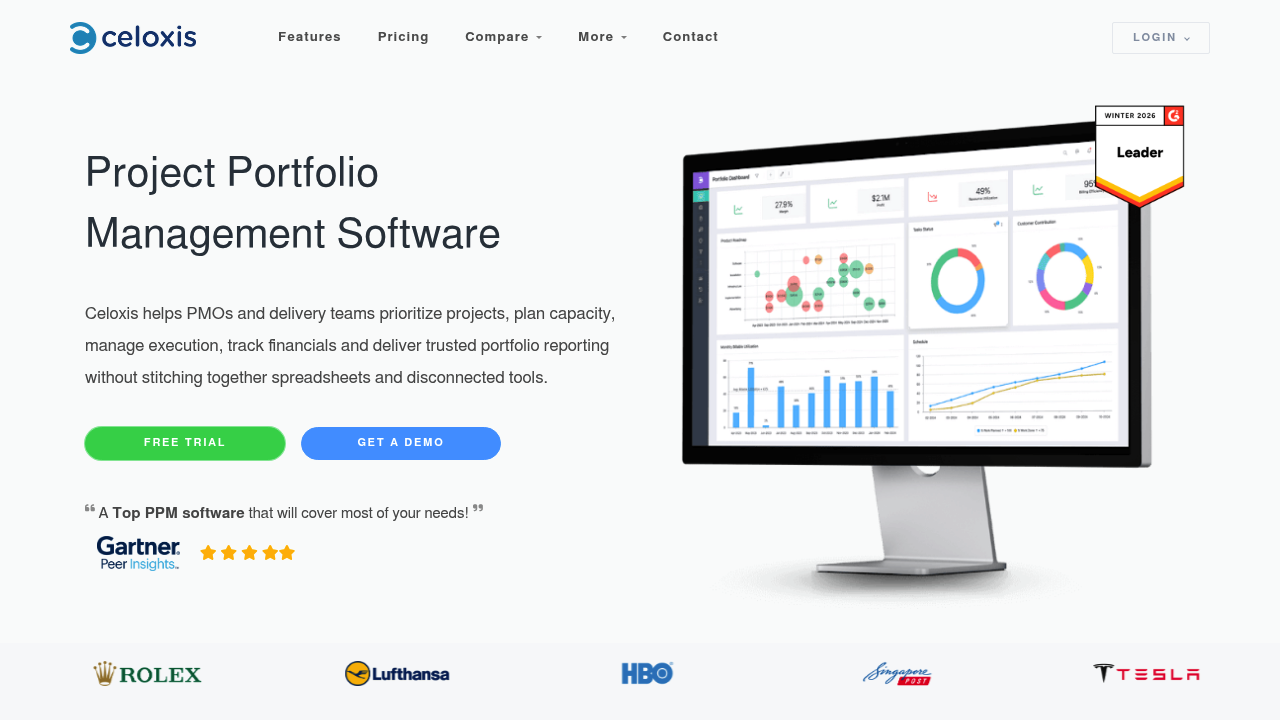
Celoxis is a dedicated project and portfolio management tool with Gantt scheduling, resource management, financial tracking, and portfolio dashboards. It targets mid-sized organizations that need PPM depth without enterprise pricing. Best for: mid-market PMOs that want schedule control and portfolio reporting in a single tool at a competitive price point.
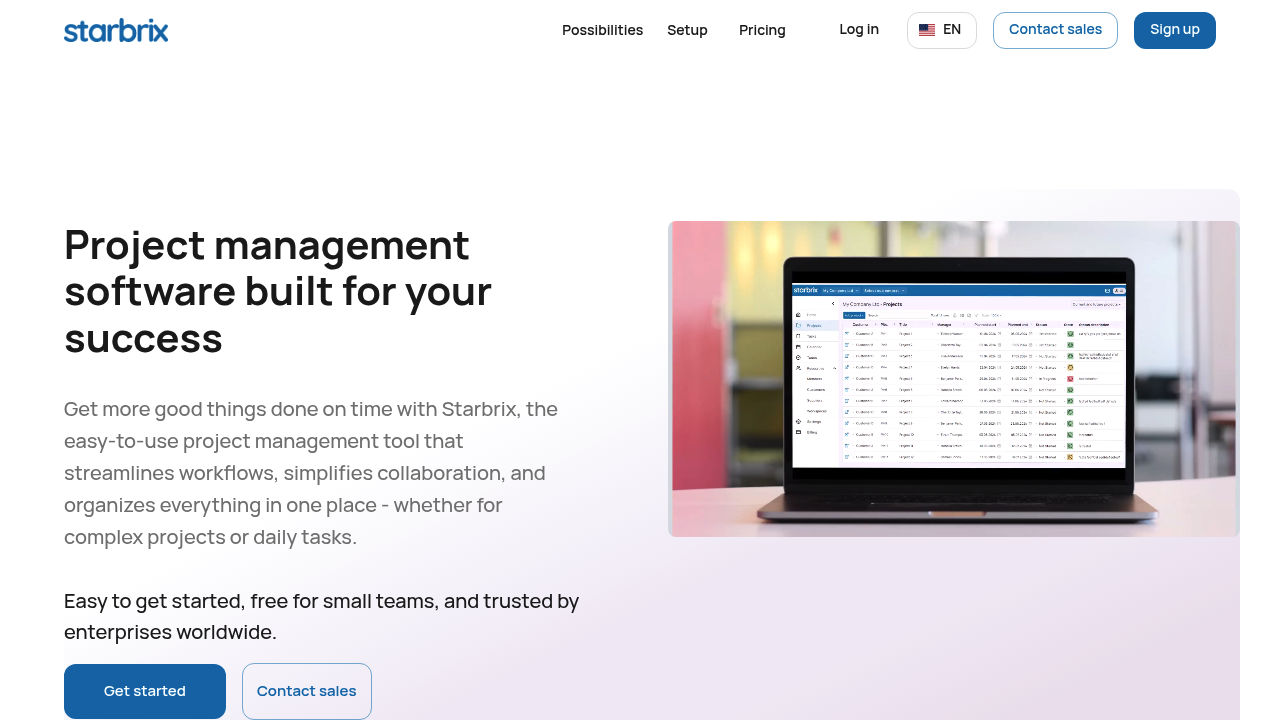
Starbrix takes a progression model from individual project control through to portfolio management and organizational intelligence. It is designed to start simply and expand as governance needs grow, which makes it well-suited to organizations that want a single source of truth across projects without the administrative overhead typical of enterprise suites. Portfolio dashboards surface schedule variance, key figures (hours, costs, margins), and exceptions in real time.
Feature comparison matrix
The table below covers more than 20 PPM-relevant criteria. Ratings use a three-point scale: Full (native, comprehensive support), Partial (available but limited or add-on), and Limited (minimal or not available without significant configuration). Where a feature is available only on higher pricing tiers, this is noted in brackets.
A note on the complexity and time-to-value row: enterprise suites such as Planview, Broadcom Clarity, and Planisware carry longer implementation timelines because they require configuration of governance frameworks, permission structures, financial templates, and data migrations before they deliver value. Self-serve platforms reach productive use faster, but portfolio governance configuration still takes time to establish properly.
Starbrix is designed around a "Project Indicator to Key Figures to Organizational Dashboard" progression, which means portfolio reporting is available without a lengthy configuration phase. The exception-reporting approach surfaces projects requiring attention rather than requiring equal-depth review of every project in the portfolio, which is a practical advantage for PMOs managing large numbers of concurrent projects.
Pricing and TCO considerations
Total cost of ownership in PPM software extends well beyond the licence fee. The primary cost drivers are:
- Per-user pricing vs per-workspace pricing. Most PPM platforms charge per named user per month. Enterprise suites often require minimum seat counts (commonly 25-50 users) and annual commitments. Platforms like monday.com and Smartsheet charge per seat but also gate key PPM features (dashboards, resource management, automations) behind higher tiers.
- Add-on modules. Resource management, advanced analytics, automation, and API access are frequently sold as add-ons on mid-market platforms. On enterprise suites, resource and financial management are usually included but drive higher base pricing.
- Implementation services. Enterprise deployments typically require partner-led or professional-services-led implementation, adding €12 000 to €116 000+ depending on complexity.
- Training and change management. Budget 10-15% of licence value annually for training, particularly for tools with complex configuration (Planview, Clarity, Planisware).
- Data migration effort. Migrating baselines, custom fields, dependencies, and historical reporting from Project Online is a project in itself. Factor in 4-12 weeks of migration effort for complex portfolios.
Approximate pricing ranges (approximate, current at publication, August 2026)
These figures are indicative and vary by contract volume, region, and tier. Always request a formal quote and validate against vendor pricing pages.
Worked example: PMO of 50 users managing 200-500 projects
For a mid-sized PMO operating at this scale, the cost picture looks approximately like this:
- Enterprise suite (e.g., Planview or Clarity): licence alone could reach €38,000–€90,000 per year at 50 users, plus €17,000–€70,000 in implementation services and annual training costs. Total first-year TCO: €58,000–€160,000+.
- Mid-market platform (e.g., Wrike Business or Celoxis): license at €15,000–€19,500 per year at 50 users, with lighter implementation overhead (€3,500–€17,000). Total first-year TCO: €18,500–€37,000+.
- Self-serve platform (e.g., monday.com Pro or Asana Advanced): license at €8,500–€18,000 per year at 50 users, with minimal implementation if portfolio governance features are configured in-house. Total first-year TCO: €9,000–€23,000+, though governance customisation time adds internal cost.
The self-serve options carry lower initial spend but may require more internal configuration effort to reach comparable portfolio governance maturity. The enterprise suites deliver the governance framework out of the box but at significantly higher total cost. Mid-market tools such as Celoxis and Starbrix offer an intermediate path: structured PPM capabilities with a lower implementation burden.
Migration from Microsoft Project Online: a practical checklist
Given that Project Online is no longer available to new customers and new PWA site creation was blocked from April 2026, any organization still running active portfolios on Project Online should already be in migration planning. The September 30, 2026 deadline is firm (source: Microsoft Community Hub, September 2025).
Migration checklist
Phase 1: Data inventory (weeks 1-2)
- Export all active project schedules from Project Web App (PWA) in XML format
- Document all custom fields and their data types
- List all project-level and portfolio-level views in use
- Identify baseline sets saved per project (start, finish, work, cost)
- Export resource pools and calendar definitions
- Map user roles and permissions in PWA (Project Manager, Portfolio Viewer, Team Member, etc.)
Phase 2: Structure mapping (weeks 2-4)
- Map task/milestone hierarchy to the target tool's equivalent structure
- Identify which dependency types (FS, FF, SS, SF) are supported in the target tool
- Define how baselines will be represented (snapshot fields, version history, or locked views)
- Map custom fields to equivalent fields or custom columns in the target tool
- Map project statuses and stage-gate logic to the target tool's workflow states
- Document any calculated fields or rollup formulas that need to be rebuilt
Phase 3: Permissions and access mapping (weeks 3-5)
- Map PWA permission groups to target tool roles
- Identify which users require portfolio-level view access vs project-level access
- Define external stakeholder and client access requirements
- Configure Single Sign-On (SSO) or directory integration if required
Phase 4: Data import and validation (weeks 4-8)
- Import a pilot batch of 10-20 representative projects
- Validate schedule integrity: task counts, dependencies, duration calculations
- Validate baseline data: check variance fields calculate correctly against imported baselines
- Validate resource assignments and effort estimates
- Review portfolio dashboards for correct data aggregation
Phase 5: Parallel running and governance transition (weeks 6-12)
- Run the new portfolio alongside PWA for 4-8 weeks minimum
- Conduct stakeholder training on new portfolio views and exception reporting
- Transfer active reporting to the new platform
- Decommission PWA reporting once validation is complete and sign-off obtained
Migration approach notes by tool category
Most enterprise PPM suites offer professional services-led migration. Broadcom Clarity and Planview both have partner ecosystems with Microsoft Project migration tooling; expect structured data mapping but a longer overall process. Smartsheet supports direct import from .mpp XML and has reasonably good dependency preservation. Celoxis support XML-based task import with dependency handling. Wrike, Starbrix and monday.com support CSV import for task structures, though dependency and baseline data typically require manual reconstruction or scripting.
A minimum viable migration strategy is to import active projects into the target tool, configure portfolio dashboards, and run both systems in parallel for four to eight weeks. Once the new portfolio reporting accurately reflects the live project data and stakeholders are trained, decommission the legacy PWA reporting. Avoid migrating archived or completed projects until the active portfolio is stable; the effort rarely justifies the historical data value.
Matching tools to organization type and use case
Large enterprises with formal PMOs
Planview, Broadcom Clarity, Planisware, and ServiceNow Strategic Portfolio Management are built for organizations with formal governance structures: investment intake committees, stage-gate approvals, capacity constraints, and financial portfolio management. These tools require dedicated administrators and structured implementation projects. The governance depth is unmatched, but so is the complexity.
Jira Align fits this category specifically for IT and software delivery organizations that need Agile programme and portfolio management layered on top of Jira team boards.
Mid-sized organizations and growing PMOs
Celoxis and Sciforma occupy the mid-market space well, offering genuine PPM depth (resource management, financial tracking, portfolio dashboards, Gantt scheduling) without the implementation overhead of the enterprise suites. Both tools support demand management and portfolio analysis at a price point accessible to organizations with 20-100 project users.
Starbrix is well-suited here too. Its model of progressing from individual project control to portfolio management to organizational dashboards means a growing PMO can start with schedule and task management, then layer in portfolio-level reporting as governance needs mature. The platform's integrations with accounting and ERP systems (including Netvisor, Procountor, Fennoa, Lemonsoft, Fortnox, and others) mean that financial performance data can be connected to project execution without a separate data integration project.
Microsoft 365-centric organizations
Organizations with deep Microsoft 365 investment should look at Smartsheet first for migration from Project Online, given its native Teams integration, SharePoint connectivity, and familiarity to Excel-oriented users. Wrike also has strong Microsoft ecosystem integration. monday.com and Asana both connect to Teams and Office 365 but are less Microsoft-native in their data model.
Construction, engineering, and manufacturing
These sectors typically need strong Gantt scheduling with dependencies, multi-party collaboration (subcontractors, clients, suppliers), milestone tracking, and financial control. Celoxis, Planisware, and Starbrix handle this well. Starbrix's support for multi-organization collaboration with secure, customizable access controls makes it practical for projects involving external contractors and clients. Its integration with ERP and accounting systems means project cost data can connect directly to operational financial reporting.
IT and Agile-ish portfolios
Wrike, Jira Align, Asana, and monday.com all handle hybrid Agile-waterfall delivery well. If the IT portfolio is largely software delivery, Jira Align gives the most direct path from team-level delivery (Jira) to programme and portfolio visibility. For IT portfolios that include infrastructure, procurement, and operational change projects alongside software delivery, Wrike or Celoxis offer more balanced scheduling and reporting capabilities.
How to choose and what to do next
The decision framework is straightforward once you know your three primary requirements:
If your organization needs deep enterprise portfolio governance with formal intake, capacity constraints, financial scenario modelling, and compliance-grade audit trails, the enterprise PPM suites (Planview, Broadcom Clarity, Planisware, or ServiceNow SPM) are the appropriate category. Budget for implementation and administration overhead accordingly.
If you need scalable cross-team planning with portfolio visibility, approval workflows, and rapid adoption across non-project-management staff, the hybrid platforms (Wrike, monday.com, Asana) deliver faster time-to-value at lower initial cost. The trade-off is shallower scheduling depth and less structured governance.
If you need schedule depth, dependency control, baseline and variance tracking, and portfolio reporting without enterprise-level complexity or cost, the schedule-oriented PPM tools (Celoxis, Smartsheet, Starbrix) sit at the intersection. Starbrix in particular takes the view that portfolio intelligence should be a natural progression of project control, not a separate governance layer requiring its own configuration project. The exception-based portfolio dashboard means PMO leaders see which projects need attention immediately, without reviewing every project equally.
Practical next steps
- Document your current Project Online configuration: active projects, custom fields, resource pools, governance workflows, and integration points with other systems.
- Define your PPM outcomes: which of portfolio intake, multi-project scheduling, resource/capacity, financial reporting, and governance workflows are non-negotiable vs desirable.
- Shortlist two or three tools based on the matrix above, aligned to your organization type and governance maturity.
- Run a structured pilot: import 10-20 live projects, configure portfolio dashboards, and have PMO stakeholders validate the reporting outputs against current Project Online reporting.
- Validate migration success before decommissioning: dependencies, baselines, and financial data must match before parallel running ends.
- Negotiate procurement on a full first-year TCO basis, including implementation, training, and any integration development.
The September 2026 deadline is close. Organizations that have not yet started data export and tool evaluation are operating with a narrow window. A four-to-eight-week pilot phase plus a four-to-eight-week parallel running phase means the practical start date for a smooth migration is well before the summer of 2026. For organizations still evaluating options, the priority is to start the data inventory now, even before the tool selection is finalized.
